AI Editing Photo Free: How to Get Professional Results Without Paying a Cent
Discover the best free AI photo editors in 2026. Learn prompt-based workflows, avoid common mistakes, and get professional results without paying a cent.
Turn this inspiration into your own images.
Bring a brief or a reference image. Explore the possibilities with four AI models.
Free credits to start · No credit card
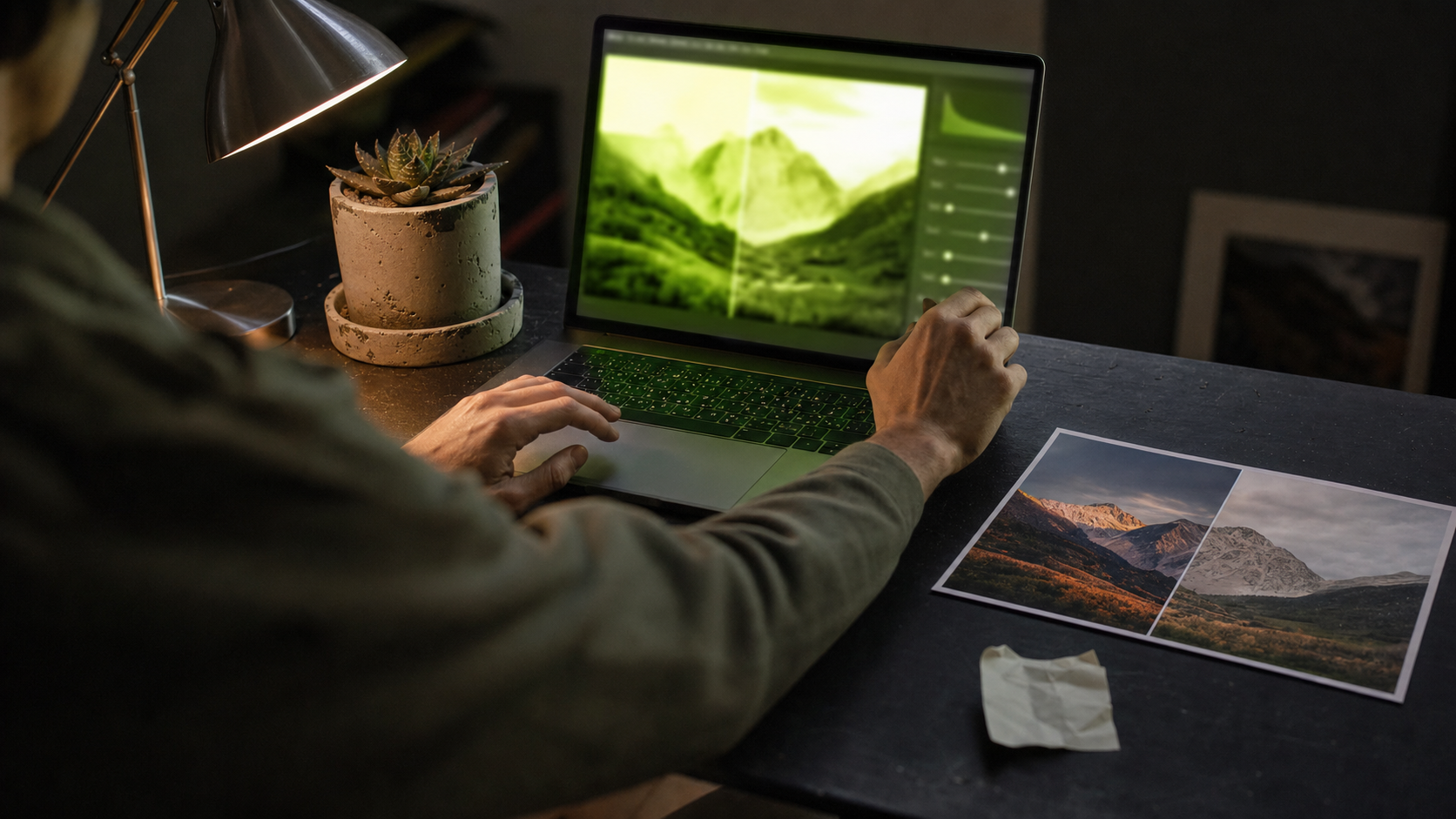
AI editing photo free means using artificial intelligence-powered tools to enhance, retouch, or transform images at zero cost — replacing hours of manual work with seconds of automated precision. The AI image editor market reached approximately $2.1 billion in 2024 and is projected to grow to $8.9 billion by 2034, making free access to these tools increasingly common. Whether you are exploring options like AvocAIdo's AI-powered photo editing platform or browser-based editors, the barrier to professional-quality results has never been lower. In this guide, you will learn which free AI photo editors deliver professional results in 2026, how to use prompt-based workflows, and when to consider upgrading for brand consistency.
TL;DR
- Free AI photo editing tools in 2026 use text prompts to perform complex edits like background removal, object erasing, upscaling, and style transfer — no Photoshop skills needed.
- Most "free" tools impose daily credit limits, resolution caps, or monthly quotas rather than offering truly unlimited access.
- Prompt-based editing (upload → describe → download) is now the standard UX across Adobe Firefly, Pixlr, Fotor, VisualGPT, and others.
- AI-enhanced product images deliver 27–34% higher conversion rates than standard photos, making free AI editing a genuine business advantage.
- Audiences in 2026 prefer authentic, slightly imperfect visuals over sterile, over-processed AI outputs.
- For brand-level consistency across multiple assets, free tools may fall short — style-locking platforms offer a structured upgrade path.
- Always verify commercial licensing before using AI-edited images in paid campaigns.
Checklist
- ✅ Identify your editing need (background removal, enhancement, style transfer, object removal, upscaling)
- ✅ Choose 2–3 free AI editors that match your use case (see comparison below)
- ✅ Upload images in supported formats (JPG, PNG, or WebP for best compatibility)
- ✅ Write clear, specific text prompts describing the edit you want
- ✅ Review outputs for over-editing — preserve natural textures and imperfections
- ✅ Verify the tool's commercial license terms before using outputs professionally
- ✅ Export at the highest available resolution (look for 4K upscaling options)
- ✅ Maintain a consistent prompt style or preset across assets for brand coherence
- ✅ Track your daily/monthly free credit usage to avoid workflow interruptions
- ✅ Evaluate whether a paid platform with style-locking is needed once you exceed 20+ images per month
Made with AvocAIdo
Your product. Your style. Four possibilities.
Turn a product photo and a style reference into studio-style images. Compare AI models in one place.


Saved examples · 4 AI models




Free credits to start · No credit card
What Does "AI Editing Photo Free" Actually Mean?
AI photo editing uses DeepAI's machine learning image editor technology and similar models to analyze image content — faces, objects, backgrounds, lighting — and apply intelligent modifications based on simple instructions. Unlike traditional editing software that requires manual masking and layer manipulation, free AI photo editors let you describe changes in plain language.
Common tasks handled by modern AI editors include sharpening, upscaling, object removal, background replacement, color grading, and portrait retouching. The "free" component typically means access without upfront payment, though most platforms operate on daily credit systems or monthly generation limits.
The skill barrier has fundamentally shifted: the bottleneck is no longer "Can you operate complex software?" but rather "Do you know what visual result you want?" This makes free AI editing accessible to freelancers and startups who lack design budgets but understand their brand's visual direction.
Which Free AI Photo Editors Deliver Professional Results in 2026?
Not all free tools are equal. Here is a comparison of the most capable options available today, organized by strength and free-tier limitations.
| Tool | Best For | Free Tier Limits | Sign-Up Required? |
|---|---|---|---|
| Adobe Firefly | Prompt-based editing, Generative Remove | Daily free generations | Yes |
| Pixlr | Full-featured browser editing | 3 image saves/day | Yes |
| Fotor | Background removal, enhancement | Limited AI credits | Yes |
| Canva | Quick social media edits | Magic Eraser 5 uses/month; 10 AI generations/month | Yes |
| VisualGPT | Text-to-edit workflow | Free, no sign-up | No |
| EzCreate | Background removal, 4K upscaling | Daily free credits | No |
| IObit AI Editor | Prompt-driven edits (clothes, background, subjects) | Claims 100% free, no signup | No |
| YouCam | Portrait enhancement | Free to start, no credit card | No |
| Remove.bg | Background removal only | Automatic removal in ~5 seconds | Yes (for HD) |
| Google Snapseed | Mobile editing (29 AI tools) | 100% free, no in-app purchases | No |
Key insight: Free tools are adequate for everyday basic edits and testing, but they typically impose constraints that become limiting once you need consistent, high-volume output for a brand.
How to Edit Photos With AI for Free: Step-by-Step Workflow
The dominant workflow in 2026 follows a simple three-step pattern that works across most free AI editors:
Step 1: Upload Your Image
Drag and drop your photo into the editor. Most tools accept JPG, PNG, and WebP formats. For best results, start with the highest resolution source image available — AI enhancement works better with more pixel data.
Step 2: Describe Your Edit in Plain Language
Write a clear text prompt specifying what you want changed. Examples:
- "Remove the person in the background"
- "Replace the background with a clean white studio"
- "Enhance lighting to look like golden hour"
- "Upscale to 4K while preserving detail"
- "Change the wall color to warm terracotta"
Be specific about what to change and what to preserve. Vague prompts like "make it better" produce inconsistent results.
Step 3: Review, Refine, and Download
Examine the output carefully. Check for:
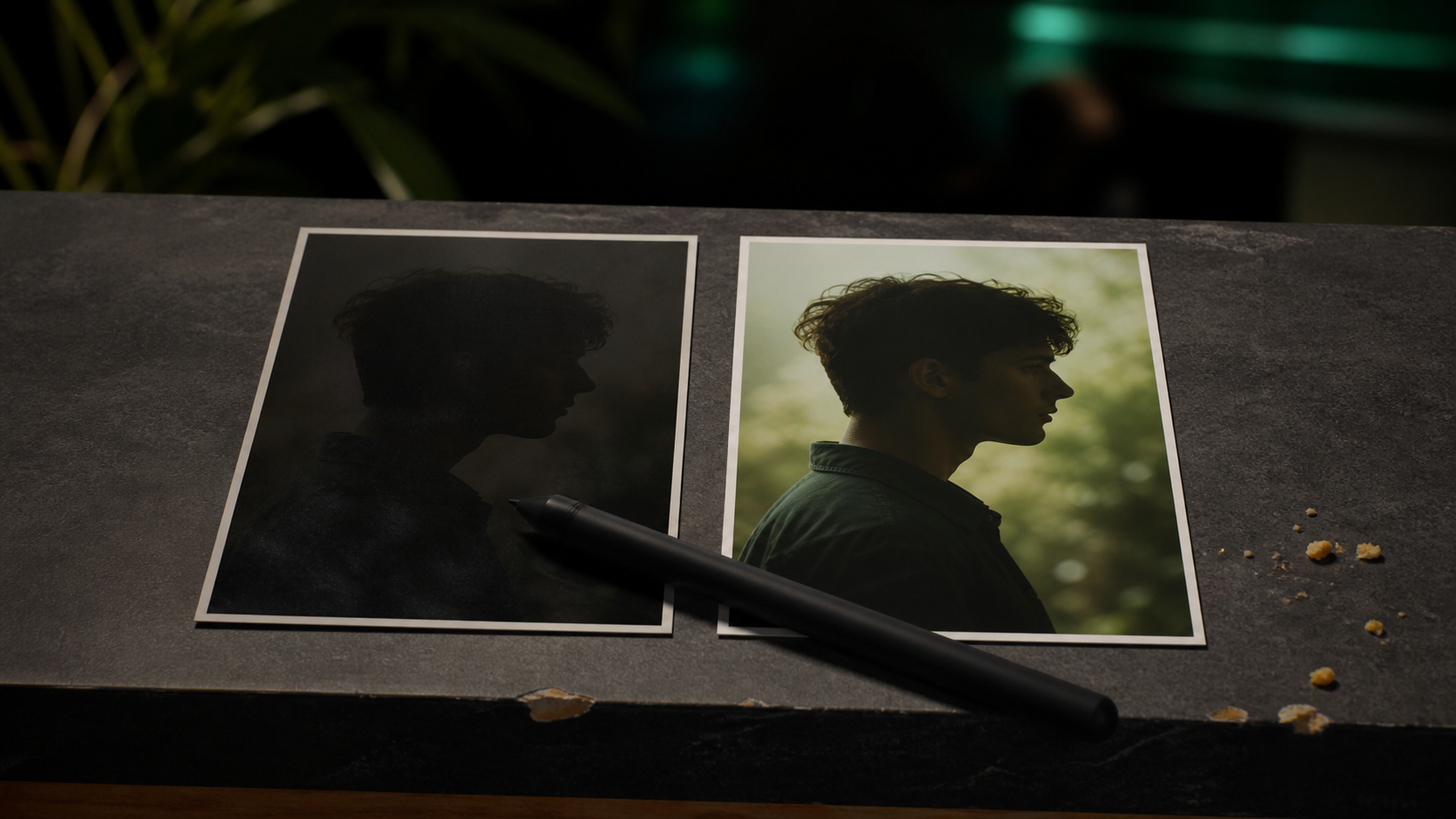
- Unnatural skin smoothing or plastic-looking textures
- Artifacts around edited edges
- Color shifts that break your brand palette
- Missing details in complex areas (hair, jewelry, text)
If the result is not right, refine your prompt with more detail or try a different tool. Then export at the highest available resolution.
Step 4: Batch and Repeat (Optional)
For multiple images, maintain a consistent prompt template. This approximates brand consistency even without dedicated style-locking technology. Document your prompts so you can replicate the look across future edits.
What Are the Hidden Limitations of Free AI Photo Editors?
The phrase "100% free" in marketing often masks practical constraints. Understanding these limitations helps you plan realistic workflows.
Credit and usage caps: Canva's AI photo editing tools limit the free tier to 5 Magic Eraser uses per month and 10 Text to Image generations per month. Pixlr's free online AI photo editor allows only 3 saves per day. EzCreate and ZSky AI offer daily credits that reset but may not cover intensive projects.
Resolution restrictions: Many free tiers output images at reduced resolution or add watermarks to high-resolution exports. This matters critically for print materials or large-format digital displays.
No commercial license clarity: Not every free AI editor explicitly grants commercial usage rights. Adobe Firefly is notable for training on licensed Adobe Stock content, making its outputs safer for commercial deployment. Other tools may restrict commercial use to paid tiers.
Single-model limitations: Free editors typically run one AI model per edit. If that model interprets your prompt poorly, you have no alternative output to compare against — you simply retry and hope for better results.
No style memory: Free tools generally treat each edit as isolated. They cannot learn your brand's color palette, lighting preferences, or compositional style across sessions. Every new image starts from zero.
How Can You Maintain Brand Consistency Using Only Free Tools?
Brand consistency is the biggest challenge when editing photos with AI for free. Without dedicated style-locking technology, you need manual discipline.
Create a prompt template document. Write standardized descriptions for your brand's visual language — specific color terms, lighting directions, mood descriptors. Reuse these across every edit session.
Use consistent reference language. Instead of vague terms like "warm," specify "warm golden-hour lighting with amber tones at 45-degree angle from left." Precision in prompts produces more repeatable results.
Stick to 1–2 tools maximum. Each AI model interprets prompts differently. Switching between five different free editors produces five different visual styles. Choose one primary tool and use it consistently.
Build a visual reference library. Save your best AI-edited outputs as benchmarks. When editing new images, compare against these references to catch style drift early.
Export and organize by project. Name files with the prompt used so you can trace back which instructions produced which results.
However, be realistic: maintaining true brand consistency across 50+ images using only free tools requires significant manual effort. This is where the economics of time versus money become relevant.
When Should You Upgrade From Free AI Photo Editing?
Free AI photo editors are sufficient for testing, personal projects, and occasional one-off edits. But certain signals indicate you have outgrown free tiers:
- Volume exceeds 20–30 images per month. Daily credit limits start creating workflow bottlenecks.
- You need commercial licensing certainty. Paid platforms typically provide explicit commercial rights on all outputs.
- Brand consistency is non-negotiable. If clients or customers expect a unified visual identity across all touchpoints, manual prompt discipline alone becomes unreliable.
- You are spending more time re-prompting than creating. Single-model tools force repeated attempts. Multi-model platforms that generate parallel outputs let you pick the best interpretation on the first try.
- Conversion data justifies the investment. AI-enhanced product images deliver conversion rates 27–34% higher than standard photos — even a modest subscription can pay for itself quickly.
The transition from free to paid is not about abandoning free tools entirely. Many professionals use free editors for quick, low-stakes tasks while reserving a dedicated platform for client-facing, brand-critical work.
What Mistakes Should You Avoid With Free AI Photo Editing?
Over-smoothing faces and products. Audiences in 2026 are actively rejecting sterile, algorithmically flawless digital imagery in favor of authenticity and human-centric imperfection. Resist the temptation to push every slider to maximum enhancement.
Ignoring licensing terms. Using AI-edited images commercially without verifying the tool's terms of service creates legal exposure. Check each platform's licensing page before deploying outputs in ads, product listings, or client deliverables.
Relying solely on auto-enhance. One-click filters and auto-enhance buttons apply generic improvements. True AI editing — content-aware object removal, style transfer, intelligent background replacement — requires specific prompts and intentional direction. Tools like Picsart's AI-powered image editing features demonstrate the range of advanced capabilities available beyond simple auto-enhance.
Inconsistent tool-hopping. Using a different free editor for every image produces a visual patchwork that undermines brand perception. Commit to a primary workflow.
Neglecting aspect ratios. Different channels require different formats: 1:1 for social feeds, 16:9 for web banners, 9:16 for Stories and Reels. Edit and export in the correct ratio from the start rather than cropping after the fact.
2026 Trends Shaping Free AI Photo Editing
Understanding current trends helps you make edits that feel contemporary rather than dated.
Hyper-realistic product photography is a dominant use case. AI editors now produce studio-quality product shots from basic smartphone photos — background removal, shadow generation, and lighting correction combine to create images previously requiring professional shoots.
AI professional headshots have gone mainstream. Free tools like YouCam and Fotor's free AI photo editor offer portrait enhancement that produces LinkedIn-ready results without a photographer.
Prompt-first editing as default UX. The upload → describe → download pattern has become standard across Adobe Firefly, VisualGPT, NoteGPT, EzCreate, and IObit. Learning to write effective prompts is now more valuable than mastering traditional editing interfaces.
Authenticity over perfection. Research from PicFixer indicates audiences prefer images with tactile friction and natural imperfections. The most effective AI edits enhance without eliminating all character from the original image.
Multi-model comparison workflows. Rather than relying on a single AI's interpretation, professional workflows increasingly involve generating multiple versions and selecting the strongest output — a pattern that platforms with parallel generation are designed to support.

AvocAIdo Tip
If you have outgrown free AI photo editors and need brand-consistent results at scale, AvocAIdo offers a free trial with 4,000 credits — no credit card required — that lets you test a professional multi-model workflow at zero cost. The platform runs 4 top AI models (Grok Imagine, Seedream 5 Lite, NanoBanana 2, GPT Image 2) in parallel on every generation, so you compare outputs and pick the winner instead of re-prompting repeatedly. Brand Style Intelligence locks your visual identity from reference photos, maintaining consistency across subjects — a capability free editors typically lack. Explore how AI photo editing works for brands in this detailed guide: AI Photo Editing Explained.
FAQ
What does "ai editing photo free" mean in practice?
It refers to using AI-powered tools to enhance, retouch, or transform images without paying for software. In 2026, most free AI editors work through text prompts — you upload an image, describe the change you want, and the AI processes it automatically. However, "free" typically means limited daily credits or monthly quotas rather than truly unlimited access.
Which free AI photo editor is best for beginners?
Canva and Fotor are the most beginner-friendly options, offering point-and-click interfaces alongside AI features. Canva's free tier includes 10 AI image generations and 5 Magic Eraser uses per month. For prompt-based editing without any sign-up, VisualGPT and IObit provide zero-friction starting points.
Can I use free AI-edited photos commercially?
It depends on the specific tool's terms of service. Adobe Firefly is considered safer for commercial use because it trains on licensed content. Many free editors restrict commercial rights to paid tiers. Always check the licensing terms before using AI-edited images in advertisements, product listings, or client work.
How many free AI edits can I realistically do per month?
Combining multiple free tools, a typical freelancer can produce 30–60 edited images per month: 10 from Canva, 3 per day from Pixlr (approximately 90/month but with save limits), daily credits from EzCreate, and daily generations from Adobe Firefly. The exact count varies as platforms update their limits.
Do free AI photo editors produce results good enough for professional use?
For basic edits — background removal, enhancement, simple object erasing — free tools produce professional-quality results. For complex workflows requiring brand consistency across 50+ images, style-locked color palettes, or high-volume batch processing, free tools typically fall short and a dedicated platform becomes more efficient.
What is the difference between AI photo editing and AI image generation?
AI photo editing modifies an existing photograph (removing objects, changing backgrounds, enhancing quality). AI image generation creates entirely new images from text descriptions. Many modern platforms combine both capabilities. Free tools like Adobe Firefly and VisualGPT handle editing, while platforms like AvocAIdo focus on generation with built-in editing features.
Will free AI editing tools replace Photoshop?
For approximately 80% of common editing tasks — background removal, color correction, object erasing, basic retouching — free AI tools now match or exceed what required Photoshop expertise five years ago. Pixlr is widely regarded as a free online Photoshop alternative. However, Photoshop retains advantages for complex compositing, precise masking, and print-production workflows.
How do I avoid the "over-edited AI look" when using free tools?
Use restraint with enhancement sliders and avoid stacking multiple AI effects. Preserve natural skin texture, keep subtle shadows, and do not eliminate all background imperfections. Audiences in 2026 respond better to authentic, slightly imperfect images than to sterile, algorithmically flawless outputs.
For more AI editing tips and tutorials on our blog, explore our growing library of guides covering everything from prompt writing to brand-scale visual workflows.
Ready to create your own images?
Bring a brief or a reference image. Explore the possibilities with four AI models.
Free credits to start · No credit card