AI Photo Editing Explained: How It Works and Why Brands Need It
Learn how AI photo editing works, why brands need it for speed, consistency, and conversions, and how to choose the right AI editing platform in 2026.
Turn this inspiration into your own images.
Bring a brief or a reference image. Explore the possibilities with four AI models.
Free credits to start · No credit card
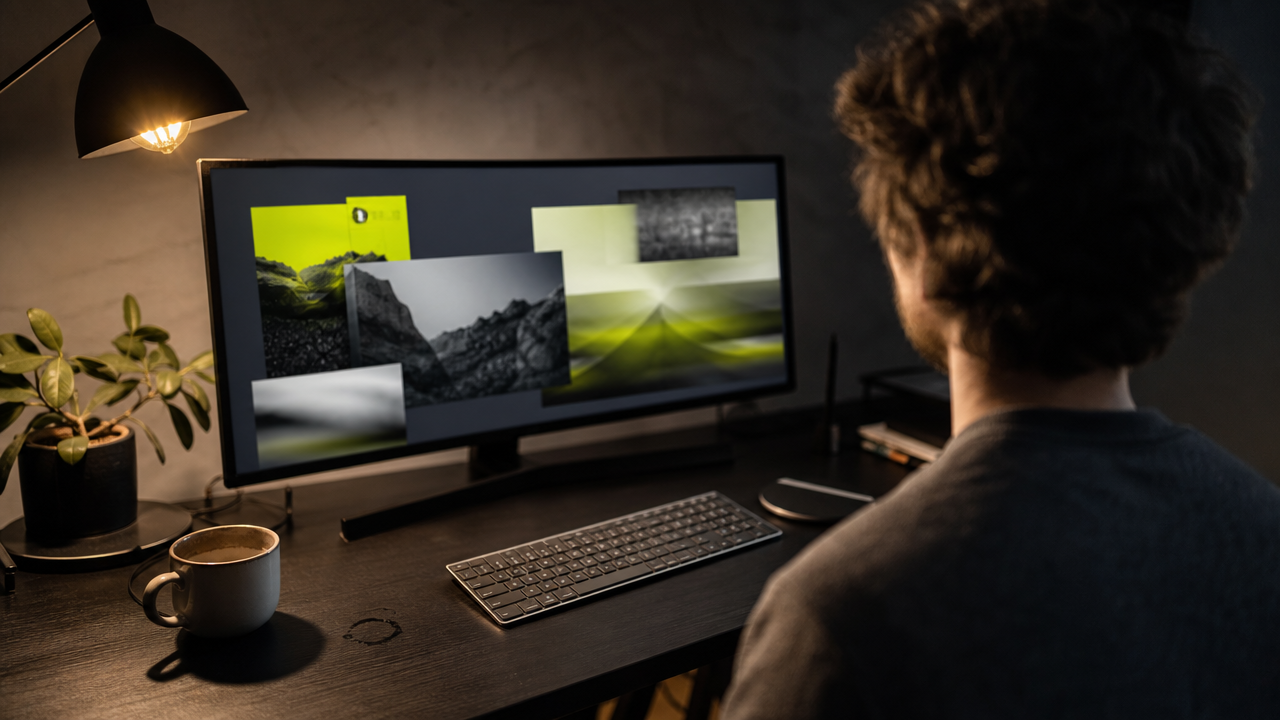
AI editing photo technology uses machine learning to enhance, modify, and generate images with minimal manual effort — replacing hours of retouching with seconds of automated precision. For brand managers and marketing directors, tools like AvocAIdo's AI-powered photo editing platform mean consistent visuals at scale, faster campaign turnarounds, and measurable conversion improvements. In this guide, you will learn exactly how AI photo editing works, which capabilities matter most for brands, and how to integrate it into your visual production workflow.
TL;DR
- AI photo editing uses machine learning algorithms to analyze image content and automate adjustments like color correction, object removal, upscaling, and style matching.
- It reduces per-image editing time from minutes to seconds, making high-volume visual production practical for lean teams.
- Product listings with AI-enhanced images achieve conversion rates 27% to 34% higher than those with standard photos.
- The AI image editor market reached approximately $2.1 billion in 2024 and is projected to grow to $8.9 billion by 2034 at a 15.7% CAGR.
- Brand style locking — where AI learns and replicates your visual identity — is now a core capability in leading platforms.
- Enterprise users account for an estimated 42.3% of AI image editor market revenue, signaling mainstream adoption.
- AI augments creative professionals rather than replacing them: it handles repetitive tasks while humans make art-direction decisions.
Checklist: Is Your Brand Ready for AI Photo Editing?
- ✅ You produce more than 50 visual assets per month across campaigns, social media, or product listings.
- ✅ You have brand guidelines defining colors, lighting, mood, and composition — but struggle to enforce them at scale.
- ✅ Your team spends more time on repetitive retouching than on creative direction.
- ✅ You need consistent product imagery across multiple marketplaces, ad platforms, and social channels.
- ✅ You want to test multiple visual directions (backgrounds, settings, compositions) without scheduling reshoots.
- ✅ Your current per-image editing workflow takes minutes rather than seconds.
- ✅ You lack a full in-house design team but still need professional-quality visuals.
- ✅ You want to reduce production costs without sacrificing visual quality.
- ✅ You are evaluating AI tools and need criteria for choosing the right one.
- ✅ You want measurable ROI from your visual content investments.
Made with AvocAIdo
Your product. Your style. Four possibilities.
Turn a product photo and a style reference into studio-style images. Compare AI models in one place.


Saved examples · 4 AI models




Free credits to start · No credit card
What Is AI in Photo Editing?
AI photo editing involves the use of artificial intelligence to enhance and modify images with minimal user intervention. Unlike traditional editing — where a designer manually adjusts every slider, mask, and layer — AI algorithms analyze the content of a photo and automate adjustments intelligently. As Digital Photography School explains, the technology is intended to turn manual, uninspiring, often time-consuming tasks into semi-automatic actions.
Modern AI editors handle tasks such as sharpening, upscaling, object removal, background replacement, color grading, and portrait retouching. They do this by recognizing what is in the image (a face, a product, a sky) and applying context-appropriate corrections automatically. A portrait that once required a couple of hours of retouching can now be enhanced in a few clicks.
What AI Photo Editing Is Not
It is important to distinguish AI photo editing from simple filter apps. In 2026, AI editing tools go far beyond applying preset filters or running "auto enhance." They encompass culling (selecting the best shots from thousands), style matching (replicating a specific visual look), batch consistency (applying uniform edits across hundreds of images), and even generative capabilities like creating new backgrounds or extending scenes. Platforms like Canva's AI-powered photo editing features illustrate how this technology has been democratized for marketing teams and non-designers alike.
The skill barrier has collapsed. The workflow is often as simple as three steps: upload your image, choose an AI feature, then preview and export. The bottleneck has shifted from "Can you operate Photoshop?" to "Do you know what visual story you want to tell?" — a brand and strategy question.
How Does AI Photo Editing Actually Work?
Understanding the technology behind AI editing helps brand managers make informed purchasing decisions. Here is a simplified breakdown of the core mechanisms, powered by the machine learning models behind AI image editing.
1. Content Analysis
AI algorithms scan the image to identify elements: faces, objects, backgrounds, sky, text, and edges. This is powered by computer vision models trained on millions of labeled images. The process analyzes the content of your photos to determine whether it is the sky, a person's face, or the overall color balance.
2. Intelligent Adjustment
Based on what the AI detects, it applies context-specific enhancements. A sky gets different treatment than skin tones. A product shot receives different color balancing than a lifestyle image. Tools like ON1's Brilliance AI automatically enhance your photos' color, contrast, and exposure with just one slider.
3. Style Learning and Replication
Advanced platforms learn from reference images or past edits. After analyzing a set of edited photos, the AI extracts patterns — color palette, contrast curves, lighting preferences, mood — and replicates them across new images. Aftershoot, for example, requires around 4,000 edited images to begin training properly on a photographer's personal style.
4. Generative Capabilities
The newest generation of AI editors blurs the line between editing and creation. Prompt-based tools let users describe edits in natural language. Adobe Firefly's AI photo editing tools, for instance, allow users to type instructions like "remove the power lines from the sky" or "add warm sunlight and a soft glow" and apply them automatically.
5. Batch Processing and Scaling
AI can intelligently apply consistent edits across batches of photos without needing to add a preset. This is where brand-level consistency becomes practical at scale, and where AI-driven editing and culling software for professional photographers demonstrates the real-world impact of batch automation.
| Capability | Traditional Editing | AI-Assisted Editing |
|---|---|---|
| Per-image time | Minutes to hours | Seconds to minutes |
| Batch consistency | Manual preset application | Automatic style replication |
| Skill requirement | Advanced software knowledge | Basic upload-and-select workflow |
| Style enforcement | Relies on individual editor | AI learns and enforces brand style |
| Background replacement | Complex masking and compositing | One-click or prompt-based |
| Scalability | Linear (more images = more hours) | Near-instant batch processing |
Why Do Brands Need AI Photo Editing?
The business case for AI photo editing rests on three pillars: speed, consistency, and commercial performance.
Speed: From Minutes to Seconds
For small businesses and enterprise teams alike, AI editing dramatically compresses production timelines. The right app reduces per-image editing time from minutes to seconds. When you are producing hundreds of product images, social assets, or campaign variants per month, that time savings compounds into days of recovered productivity.
Consistency: One Brand Look, Every Asset
Brand consistency is one of the most persistent challenges in visual marketing. Different photographers, editors, and platforms introduce visual drift. AI solves this by codifying your brand's visual language — colors, lighting, mood, composition — and applying it uniformly.
This is especially critical for ecommerce brands that need consistent product imagery across Amazon, Shopify, Instagram, and paid ad platforms without a fully staffed studio overseeing every asset.
Commercial Performance: Measurable ROI
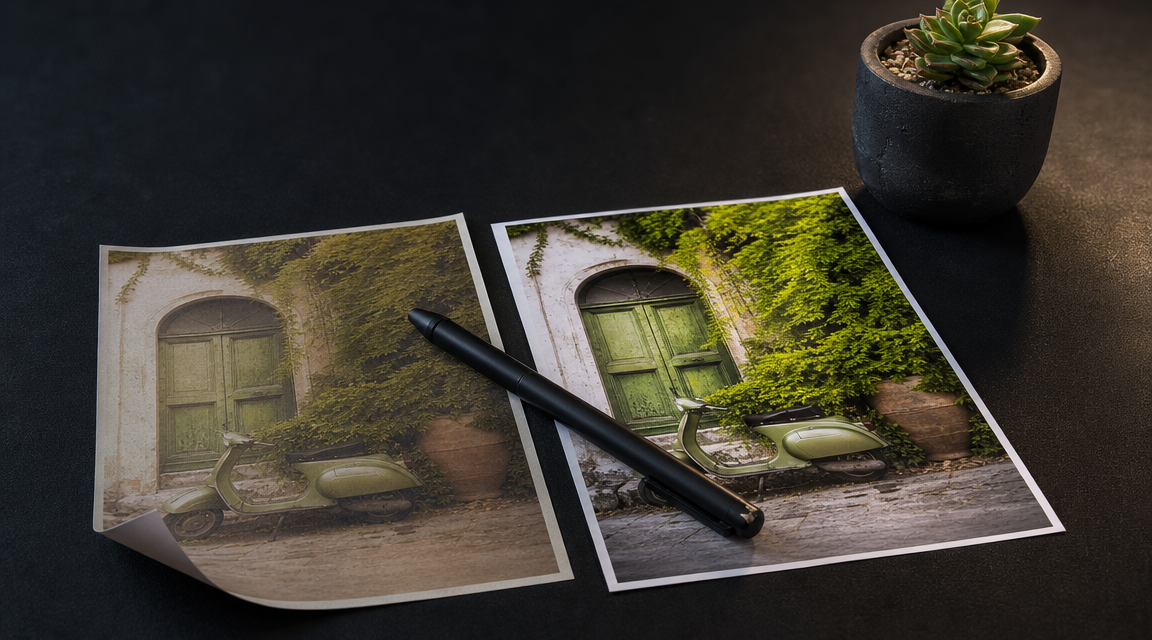
The numbers support adoption. Product listings with AI-enhanced images achieve conversion rates 27% to 34% higher than those with standard photos. That is not a marginal improvement — it is a meaningful revenue impact for any brand selling online.
The broader market reflects this demand. Industry estimates suggest the AI photo editors market reached approximately $2.1 billion in 2024 and is expected to grow to $8.9 billion by 2034, registering a 15.7% CAGR. Enterprise users are the largest revenue segment, expected to account for 42.3% of market revenue, according to Future Market Insights.
How to Use AI for Photo Editing: A Step-by-Step Guide
Whether you are editing existing photos or generating new visuals, the workflow follows a consistent pattern. Here is a practical guide for brand teams adopting AI photo editing for the first time.
Step 1: Define Your Brand's Visual Standards
Before touching any tool, document your visual identity: preferred color palettes, lighting style (warm, cool, neutral), composition rules, mood descriptors, and any mandatory brand elements. This becomes the brief your AI tool will learn from.
Step 2: Gather Reference Images
Collect 5–10 images that exemplify your ideal visual style. These can be past campaign shots, competitor benchmarks, or mood board selections. Reference images are the foundation for AI style learning.
Step 3: Choose the Right AI Editing Platform
Evaluate tools based on your primary need. For a comprehensive overview of current options, Zapier's guide to the best AI photo editors is a useful starting point.
- Batch retouching (product photos at scale): Look at ecommerce-focused platforms like Claid or Photoroom.
- Style learning and replication (brand consistency): Prioritize tools with style-lock or style-learning features.
- Generative editing (new backgrounds, scene extensions): Consider platforms with prompt-based generation capabilities.
- Multi-model comparison (creative exploration): Platforms that run multiple AI models in parallel let you compare outputs and pick the best interpretation.
Step 4: Upload and Configure
Upload your images (or reference photos for style learning). Configure the AI features you need: enhancement level, style template, output format, aspect ratio, and resolution requirements.
Step 5: Review, Refine, and Approve
AI produces results; humans make decisions. Review outputs against your brand standards. Most platforms allow iterative refinement — adjusting prompts, tweaking style parameters, or regenerating specific elements.
Step 6: Export and Deploy
Export final assets in the formats and resolutions your channels require. Many AI editors support direct export to common aspect ratios (1:1 for Instagram, 16:9 for web banners, 9:16 for Stories and Reels).
Step 7: Build a Feedback Loop
Track which AI-generated or AI-edited visuals perform best across your channels. Feed those insights back into your style references and editing parameters. Over time, your AI workflow becomes increasingly aligned with what converts.
What Can AI Photo Editing Do for Ecommerce?
Ecommerce is the sector where AI photo editing delivers the most immediate, measurable impact. Here is what the technology enables for online brands.
Product hero shots at scale. AI removes backgrounds, standardizes lighting, and ensures every product image meets marketplace requirements — without individual manual editing.
Dynamic background replacement. AI can replace or enhance backgrounds in seconds, making it easier to adapt images for different campaigns. A single product photo can be placed in a summer setting, a holiday scene, or a minimalist studio backdrop with one prompt.
Lifestyle image generation. Rather than organizing expensive photo shoots for every product variant, brands use AI to generate lifestyle contexts around existing product shots — testing different settings, models, and compositions rapidly.
Marketplace compliance. Different platforms (Amazon, Shopify, social ads) have different image requirements. AI editors resize, crop, and reformat automatically, ensuring compliance without manual rework.
A/B testing at speed. With AI producing multiple visual variants in seconds, brands can test which backgrounds, compositions, or color treatments drive the highest click-through and conversion rates — then scale the winners.
How Does AI Photo Editing Differ from AI Image Generation?
This is a common source of confusion, and the distinction matters for brand teams evaluating tools.
AI photo editing starts with an existing image and enhances, modifies, or corrects it. Think of it as a digital darkroom powered by machine learning: the raw material already exists.
AI image generation creates entirely new images from text prompts, reference styles, or both. There is no original photo — the AI produces the visual from scratch.
In practice, the two capabilities are converging. Many platforms now combine generative AI with edit-level control in one product, blurring the line between photo editing and art direction. A brand team might generate a campaign image from a text description, then use AI editing tools to refine lighting, swap backgrounds, or upscale to print resolution.
The most powerful workflow combines both: generate on-brand visuals using AI, then edit and polish them with AI-assisted tools — creating a coherent pipeline from concept to final asset.
How to Choose the Right AI Photo Editor in 2026: A Brand-First Checklist
Not all AI editing tools serve the same purpose. Here are the criteria that matter most for brand teams.
Brand style control. Does the tool learn and enforce your specific visual identity? Style-lock or style-learning features are essential for consistency across campaigns and channels.
Batch processing. Can it handle hundreds of images with uniform quality? For ecommerce and high-volume content teams, batch capability is non-negotiable.
Multi-model access. Platforms running multiple AI models give you more creative options per generation. Instead of being locked into one model's interpretation, you compare outputs and select the best.
Commercial licensing. Verify that all AI-generated or AI-edited outputs include a commercial license. This is critical for paid advertising, product listings, and client deliverables.
Integration with existing workflows. Does the tool export in your required formats and resolutions? Does it connect with your DAM, CMS, or ecommerce platform?
Editing suite depth. Beyond generation, look for upscaling (to 4K or higher), resizing for multiple aspect ratios, zoom and crop controls, and iterative refinement capabilities.
Transparent pricing. Understand the credit or usage model. Some platforms charge per image, others per feature, others via monthly credit allowances. Calculate your actual cost per asset.
AvocAIdo Tip
If your brand needs both AI image generation and style-consistent editing in one workflow, AvocAIdo is designed to bridge that gap. The platform runs 4 top AI models — Grok Imagine, Seedream 5 Lite, NanoBanana 2, and GPT Image 2 — in parallel on every generation, so you compare outputs and pick the best result. Brand Style Intelligence lets you upload reference photos and lock your visual identity across all outputs, regardless of subject matter. ArtDirector AI converts plain-language descriptions into professional prompts, removing the need for prompt engineering skills. You can start with 2,000 free credits — no credit card required.
FAQ
What is AI photo editing, and how does it differ from traditional editing?
AI photo editing uses machine learning algorithms to analyze image content and automate enhancements like color correction, object removal, upscaling, and style matching. Traditional editing requires manual adjustment of every parameter by a skilled designer. AI reduces per-image editing time from minutes to seconds and lowers the skill barrier significantly, making professional-quality results accessible to non-designers.
How does AI maintain brand consistency across images?
AI style-learning features analyze reference images to extract your brand's visual characteristics — color palette, lighting, mood, and composition. The AI then applies those characteristics uniformly to every new image it processes or generates. Some platforms require thousands of edited images to learn a style, while others can extract style attributes from as few as 1–10 reference photos.
Do AI-edited images actually perform better commercially?
Research indicates they do. Product listings with AI-enhanced images achieve conversion rates 27% to 34% higher than those with standard photos. This improvement is attributed to more consistent, professional-quality visuals that build trust and highlight product details more effectively.
Will AI photo editing replace human designers and photographers?
No. AI handles repetitive, time-consuming tasks — background removal, batch color correction, format resizing — while humans make creative and strategic decisions. The technology augments creative professionals by freeing them to focus on art direction, storytelling, and brand strategy rather than pixel-level retouching.
How much does AI photo editing cost for a brand team?
Pricing varies widely by platform and usage model. Some tools charge per image (often $0.10–$1.00 per edit), others use monthly credit allowances, and enterprise platforms may offer flat-rate subscriptions. For context, AvocAIdo's plans range from €19/month to €99/month depending on volume needs, with credits rolling over month to month. Calculate your monthly image volume to determine the most cost-effective option.
What file formats and aspect ratios do AI editors typically support?
Most AI photo editors accept common formats like JPG, PNG, and WebP for uploads. Output options typically include multiple aspect ratios — 1:1 (social media), 16:9 (web banners), 9:16 (Stories and Reels), and standard print ratios. Resolution options range from web-optimized to 4K and above for print or large-format use.
Is AI photo editing suitable for small businesses without a design team?
Yes. AI photo editing apps let small businesses create professional-quality visuals without a photographer or design team. The simplified upload-select-export workflow means anyone with brand guidelines and reference images can produce consistent, high-quality visuals.
How is AI image generation different from AI photo editing?
AI photo editing enhances or modifies existing images, while AI image generation creates entirely new visuals from text prompts or style references. Many modern platforms combine both capabilities. A brand might generate a campaign image from a description, then use AI editing tools to refine lighting, swap backgrounds, or upscale resolution — creating a complete visual production pipeline.
For more insights on AI photo editing and visual marketing, explore our latest guides and tutorials.
Ready to create your own images?
Bring a brief or a reference image. Explore the possibilities with four AI models.
Free credits to start · No credit card