AI Photo Editing Tool: Essential Features Every Brand Manager Should Demand
Discover the must-have features every brand manager should demand from an AI photo editing tool—style consistency, multi-model generation, licensing, and more.
Make your next image feel like your brand.
Use a style reference to guide the look of your product images.
Free credits to start · No credit card
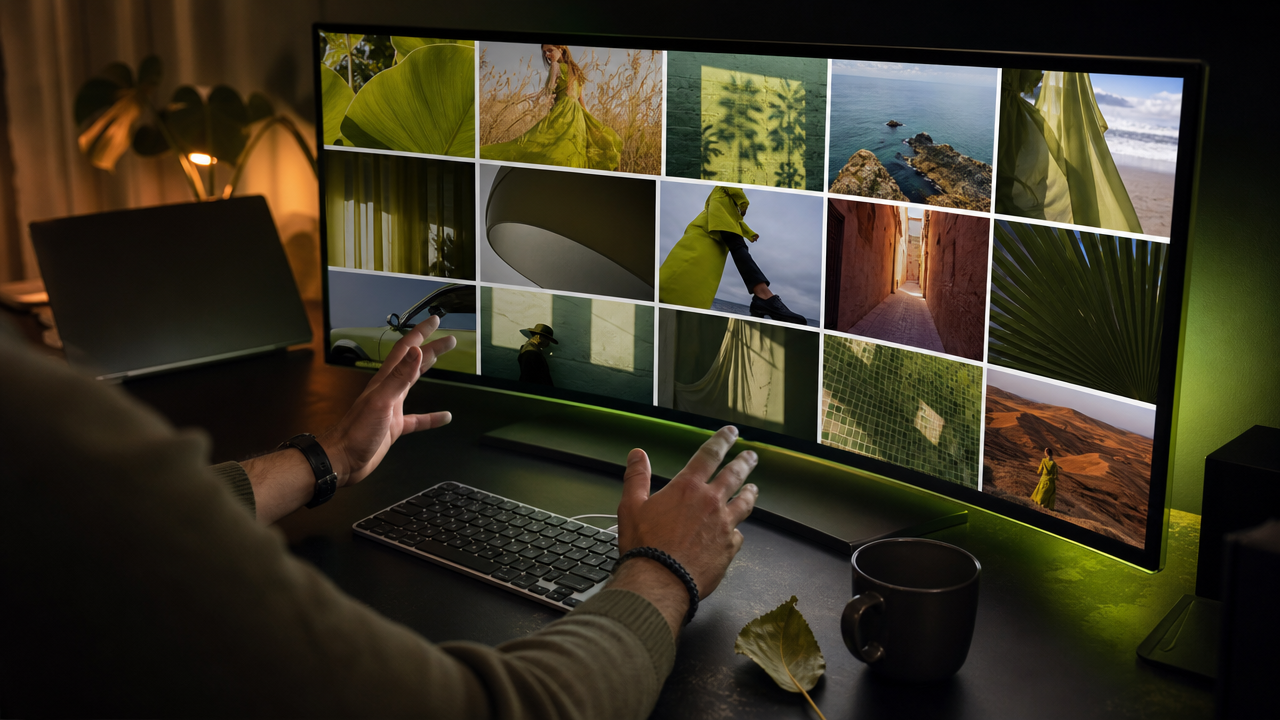
An AI photo editing tool built for brand managers is software that uses artificial intelligence to generate, modify, and enhance images—often from text prompts or reference photos. For brand managers, the right tool eliminates production bottlenecks while keeping every visual on-brand. In this guide, you will find a feature-by-feature checklist for evaluating AI-powered photo editing tools, covering style consistency, multi-model support, commercial licensing, and scalable team workflows.
TL;DR
- Brand consistency features (style lock, reference-based generation) matter more than raw feature count.
- Multi-model parallel generation removes decision paralysis and surfaces the best output faster.
- Commercial licensing on all outputs is non-negotiable for production use.
- Plain-language prompt assistance reduces the learning curve for non-technical team members.
- Editing capabilities (resize, upscale to 4K, zoom) should exist within the same platform.
- Credit rollover and scalable pricing tiers prevent budget waste.
- A no-credit-card free trial lets teams evaluate without procurement friction.
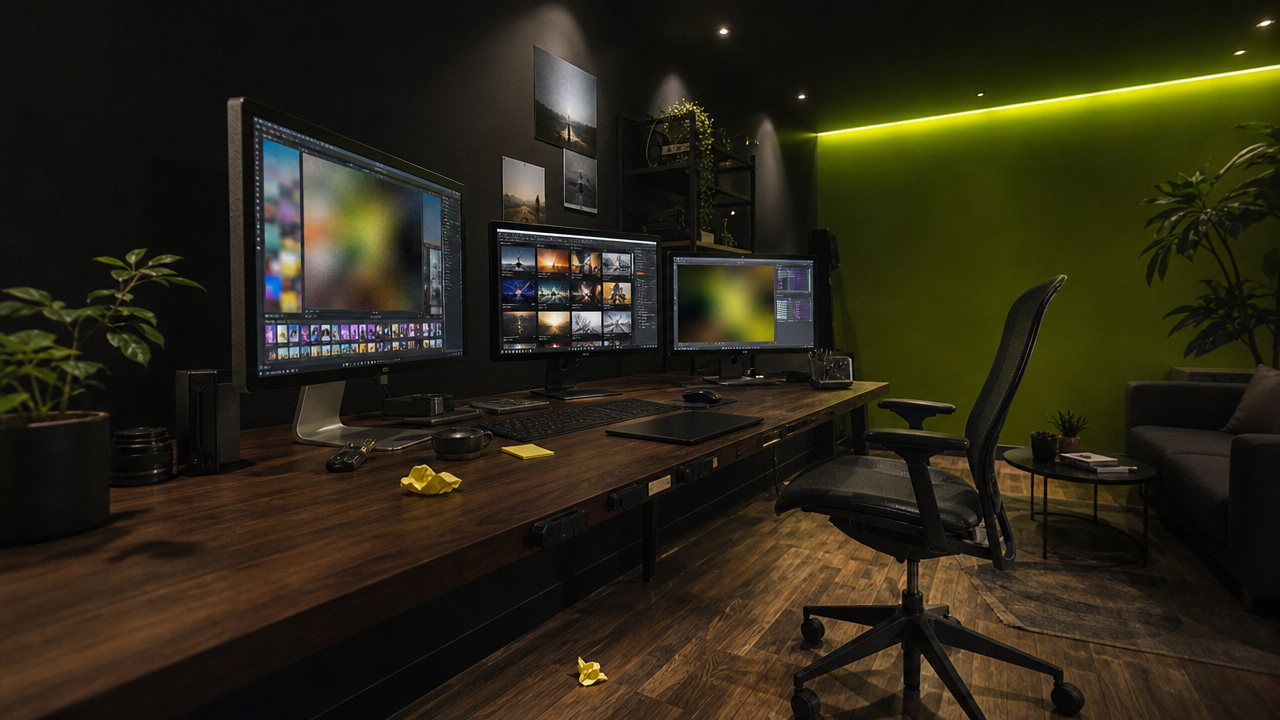
AI Photo Editing Tool Feature Checklist
- ✅ Brand Style Intelligence — the tool learns your visual identity from reference photos
- ✅ Multi-model parallel generation — compare outputs from several AI models simultaneously
- ✅ Commercial license included on all generated images
- ✅ Plain-language prompt assistant (no prompt engineering required)
- ✅ Post-generation editing suite (resize, upscale, zoom in/out)
- ✅ Structured style controls (lock lighting, palette, mood independently)
- ✅ Scalable pricing with credit rollover for unused allowances
- ✅ Reference photo management with categorization
- ✅ Pre-built style templates for common brand aesthetics
- ✅ No-credit-card free trial for low-friction team evaluation
What Makes an AI Photo Editing Tool Essential for Brand Teams?
Modern AI photo editing tools go far beyond auto-enhance sliders. According to Aftershoot's 2026 guide, today's AI editors can "analyze your images for exposure, color, subject details, sharpness, and style preferences" and then "automate culling, match your editing look, correct inconsistencies, perform retouching."
For brand managers, however, the critical question is not "can this tool edit photos?" but rather "can this tool produce visually consistent imagery at scale without requiring every team member to be a prompt engineer?"
The answer lies in a specific set of features that separate professional brand tools from hobbyist generators. Tools like Adobe Firefly's AI photo editing capabilities have set high benchmarks, and brand managers should evaluate every platform against that standard. Below, we break down each essential feature category.
Made with AvocAIdo
Your product. Your style. Four possibilities.
Start with your product and a style reference. Explore four AI interpretations of the look you want.


Saved examples · 4 AI models




Free credits to start · No credit card
Why Is Brand Style Consistency the Most Important Feature?
Inconsistent visuals dilute brand equity. When a brand manager approves imagery for campaigns, social media, packaging, or e-commerce, every asset must share the same visual DNA—lighting direction, color temperature, mood, and composition style.
A best-in-class AI photo editing tool should offer reference-based style locking. This means you upload 1–10 reference images that define your brand's look, and the AI extracts attributes like palette, lighting characteristics, and mood. These attributes are then applied consistently to every subsequent generation, regardless of the subject matter.
Look for tools that let you set importance levels for individual style attributes (e.g., "Must keep" for lighting, "Moderate" for background texture). This granular control prevents the AI from overriding creative intent while still automating the heavy lifting.
Key questions to ask vendors:
- Can I upload reference photos to define a visual style?
- Does the tool analyze and label specific style attributes (palette, lighting, mood)?
- Can I lock certain attributes while allowing flexibility on others?
- Does style consistency persist across different subjects and scenes?
How Does Multi-Model Generation Reduce Risk?
Relying on a single AI model is like hiring one photographer and hoping their style fits every brief. Different models excel at different tasks—some handle portraits better, others produce superior product shots or architectural renders.
Parallel multi-model generation solves this by running your prompt through multiple top-performing models simultaneously. Instead of guessing which model to use, you receive several interpretations and pick the winner. This approach eliminates two common pain points:
- Decision paralysis from choosing among dozens of available models
- Quality variance from committing to a single model's output
A curated set of 4 models running in parallel typically produces better results than access to 30+ models with no guidance. Curation beats choice overload when production deadlines are tight.
When evaluating tools, confirm that parallel generation does not multiply your costs linearly. The best platforms bundle multi-model runs into a single credit transaction rather than charging per model separately.
What Editing and Post-Production Features Should You Expect?
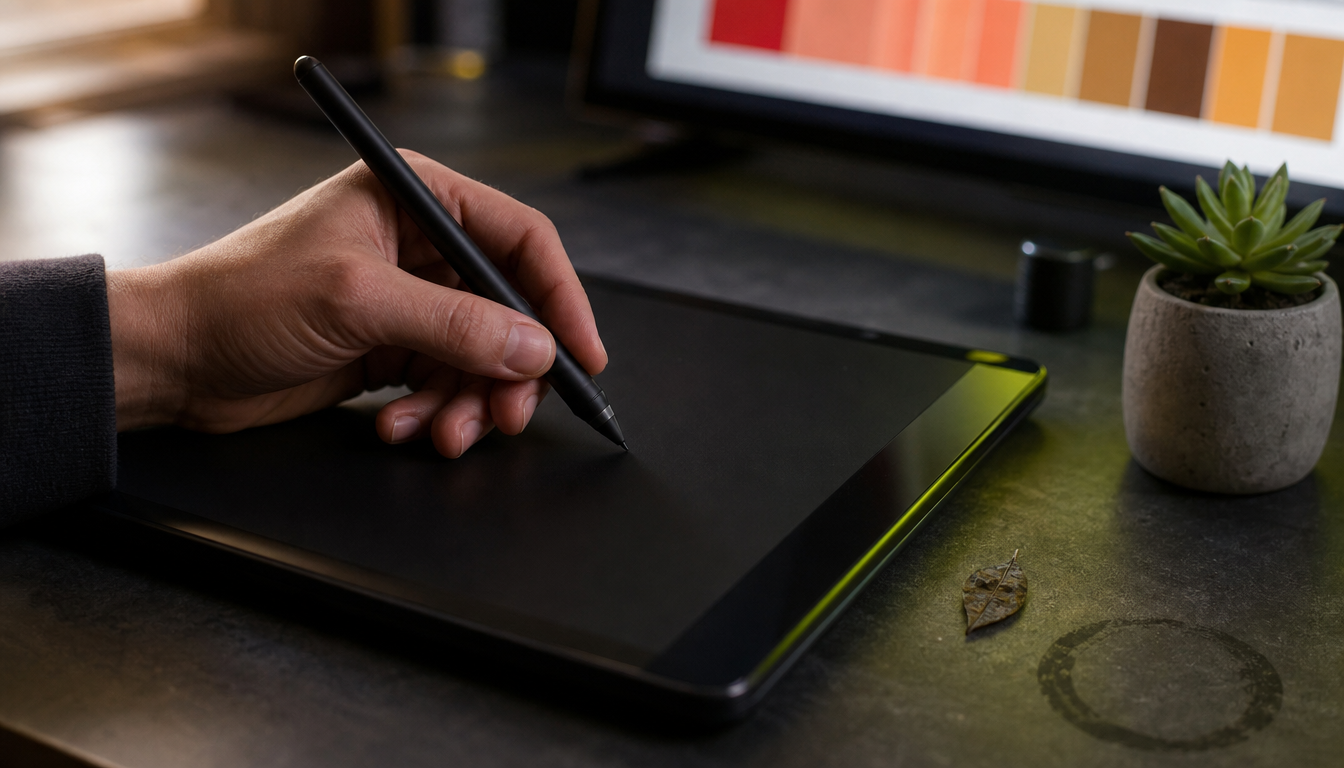
Generation is only half the workflow. Once you have a strong base image, you need post-production capabilities within the same platform to avoid exporting to external editors. Many brand teams are accustomed to platforms like Canva's AI photo editing tools for teams, so any professional AI editing tool should match or exceed that level of accessibility. Essential editing features include:
| Feature | Why It Matters for Brands |
|---|---|
| Upscale to 4K | Print-ready and large-format digital assets |
| Resize to multiple aspect ratios | Adapt one image for Instagram (1:1), Stories (9:16), LinkedIn (16:9) |
| Zoom in/out | Reframe compositions without regenerating |
| Inpainting/editing | Modify specific regions while preserving the rest |
| Batch export (ZIP) | Streamline handoff to design teams |
A platform supporting aspect ratios like 1:1, 16:9, 9:16, 3:4, and 3:2 covers the vast majority of digital marketing formats. Upscaling to 4K resolution ensures assets remain sharp across billboards, trade show displays, and high-DPI screens.
Does the Tool Require Prompt Engineering Skills?
One of the biggest adoption barriers for brand teams is the assumption that everyone must learn prompt engineering. Marketing coordinators, social media managers, and junior designers should not need to master technical syntax to produce on-brand imagery.
Look for an AI prompt assistant that converts plain-language descriptions into optimized, model-ready prompts. For example, a user might type "woman in green dress holding avocado, warm golden light, elegant party setting" and the assistant automatically enriches it with technical parameters each model needs. Platforms offering prompt-based AI image editing for creative control demonstrate how powerful this approach can be when paired with fine-grained style adjustments.
This feature democratizes access across the team while maintaining output quality. More descriptive prompts paired with reference images consistently improve results—but the tool should handle that enrichment, not the user.
How Should You Evaluate Pricing and Licensing?
Commercial licensing
Any AI photo editing tool used for brand production must include a commercial license on all outputs. Without it, you face legal risk every time an image appears in advertising, packaging, or client deliverables. Confirm this is included on every plan, not just enterprise tiers.
Credit-based pricing
Most AI image platforms use credit systems. When comparing, calculate the cost per usable image rather than the raw credit count. Key variables:
- Credits consumed per generation (across all models)
- Credits for post-production actions (upscale, resize)
- Whether unused credits roll over or expire monthly
A platform offering credit rollover (capped at a reasonable multiple of your monthly allowance) prevents waste during slower production months. For context, a typical 4-model parallel generation might cost approximately 1,010 credits, while upscaling to 4K adds around 600 credits per image.
Scalable tiers
Brand teams grow. Your pricing structure should accommodate a solo creator at one end and a multi-brand agency at the other. Look for tiers that increase credit volume and add features (like pre-built style templates or onboarding sessions) as you scale. You can compare plan options and credit costs to see how scalable tiers work in practice.
How to Evaluate an AI Photo Editing Tool in 7 Steps
- Define your brand's visual system. Gather 5–10 reference images that represent your target aesthetic—lighting, color palette, composition style, and mood.
- Test style lock fidelity. Upload your references and generate images across 3–5 different subjects. Evaluate whether the tool maintains consistent lighting and palette regardless of content.
- Compare multi-model outputs. Generate the same prompt across available models. Assess which platform gives you the most usable options per generation cycle.
- Evaluate the prompt assistant. Write a simple, non-technical description and check whether the tool enriches it into a professional prompt without requiring manual intervention.
- Test post-production workflow. Take a generated image through resize (at least 3 aspect ratios), upscale to 4K, and zoom. Confirm quality holds at each step.
- Verify commercial licensing. Read the terms. Confirm that all outputs—including edited and upscaled versions—are covered under a commercial license.
- Calculate cost per production image. Factor in generation credits, editing credits, and any failed generations. Compare the effective cost across at least 2–3 competing platforms. A comparative review of 20+ AI image editing tools can help you benchmark your shortlist.
What Are Common Mistakes Brand Managers Make When Choosing AI Tools?
Mistake 1: Prioritizing feature count over workflow fit. A tool with 50 features you never use costs more in onboarding time than a focused tool with 10 features your team uses daily.
Mistake 2: Ignoring style consistency. Generic AI tools produce impressive one-off images but fail at maintaining a cohesive brand look across 50+ assets in a campaign.
Mistake 3: Choosing based on a single model's output. AI models improve and degrade over time. A platform that auto-updates its model lineup based on benchmark performance protects you from model obsolescence.
Mistake 4: Skipping the free trial. No amount of demo videos replaces hands-on testing with your actual brand references. Prioritize platforms offering no-credit-card trials so your team can evaluate without procurement delays.
Mistake 5: Overlooking team scalability. A tool that works for one designer today must handle 5 team members and 3 brand identities next quarter. Evaluate tier progression early.
AvocAIdo Tip
AvocAIdo addresses the exact challenges outlined in this checklist. The platform generates images across 4 top AI models in parallel—Grok Imagine, Seedream 5 Lite, NanoBanana 2, and GPT Image 2—so brand managers compare outputs and pick the winner without model-selection guesswork. Brand Style Intelligence locks your visual identity from uploaded reference photos, and ArtDirector AI converts plain-language descriptions into professional prompts. Commercial licensing is included on all outputs across every plan, and a free trial with 4,000 credits requires no credit card.
Frequently Asked Questions
What is an AI photo editing tool?
An AI photo editing tool uses artificial intelligence to generate, enhance, or modify images. Modern versions can analyze reference photos for style attributes, generate new images from text descriptions, and perform post-production tasks like upscaling to 4K, resizing across 5+ aspect ratios, and retouching—all without manual pixel-level work.
How do AI-powered photo editing tools maintain brand consistency?
The best tools offer style-lock functionality. You upload 1–10 reference images, and the AI extracts color palette, lighting direction, mood, and composition style. These attributes are then applied to every subsequent generation, ensuring visual consistency across different subjects and campaigns.
Is a commercial license always included with AI-generated images?
No. Licensing terms vary significantly between platforms. Some restrict commercial use to higher-priced tiers, while others include it on all plans. Always verify that your specific plan grants full commercial rights on all outputs, including edited and upscaled versions, before using images in advertising or client work.
How many AI models should a photo editing tool offer?
More is not necessarily better. A curated set of 4 high-performing models running in parallel typically outperforms access to 30+ models with no curation. The key metric is usable outputs per generation cycle—parallel generation across 4 models gives you 4 distinct interpretations to choose from in a single action.
What does a prompt assistant do in an AI photo editing tool?
A prompt assistant (sometimes called an AI art director) converts plain-language descriptions into technically optimized prompts. This means a brand manager can type "product on marble surface, soft natural light" and the assistant enriches it with model-specific parameters for lighting, composition, and style—no prompt engineering knowledge required.
How much does a professional AI photo editing tool cost?
Professional-tier AI image tools typically range from €19–€99 per month depending on credit volume and features. Entry plans often provide 50,000+ credits (approximately 166–270 images), while agency tiers may offer 260,000+ credits (approximately 1,166–1,891 images). Credit top-ups are usually available at rates around €0.60 per 1,000 credits.
Can AI photo editing tools replace a design team?
No. These tools accelerate ideation, reduce production costs for routine imagery, and enable rapid iteration—but they require human creative direction, quality control, and brand judgment. The most effective workflow positions AI as a production assistant that generates options for a human decision-maker to approve.
What should I test during a free trial of an AI photo editing tool?
Upload your actual brand references and test style consistency across at least 5 different subjects. Generate images using plain-language prompts (no technical syntax). Test post-production: resize to 3 formats, upscale one image to 4K, and export. Calculate your effective cost per usable image based on credits consumed.
Ready to dive deeper into AI-powered visual production? Explore more AI editing guides on our blog for additional strategies, tutorials, and brand management tips.
Put your brand style into practice.
Use a style reference to guide the look of your product images.
Free credits to start · No credit card