AI Photo Editing for Brands: How to Maintain Visual Consistency at Scale
Learn how AI photo editing helps brands maintain visual consistency at scale. Build reference-driven workflows, enforce brand guidelines, and choose between AI editing and generation.
Make your next image feel like your brand.
Use a style reference to guide the look of your product images.
Free credits to start · No credit card
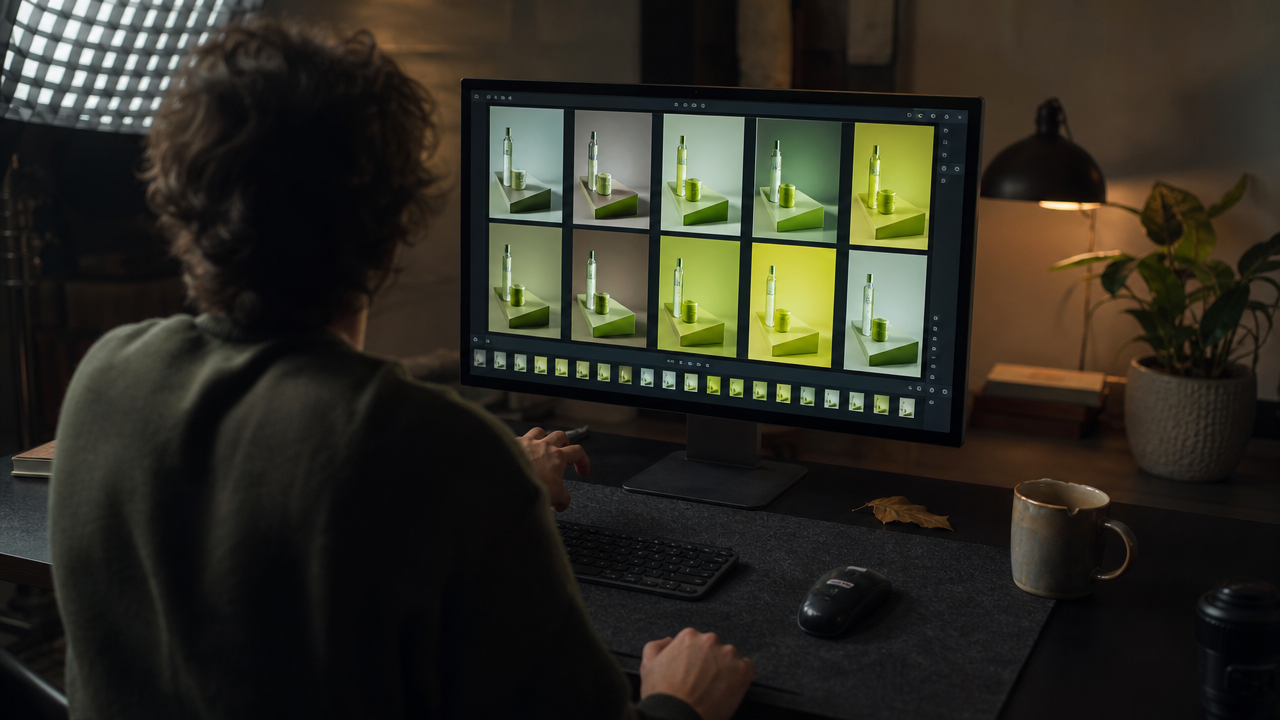
Photo AI editing is the use of artificial intelligence to adjust, enhance, or generate images that conform to a brand's defined visual identity — including lighting, color palette, mood, and composition. For brand managers and creative directors producing hundreds of assets monthly, AvocAIdo's AI-powered editing platform and similar tools now reduce per-image costs to as low as $0.05 while delivering repeatable consistency across thousands of photos. In this guide, you will learn how to build a reference-driven workflow, enforce brand guidelines at scale, and choose between AI editing and AI generation for different use cases.
TL;DR
- Photo AI editing enforces brand consistency by automating lighting, palette, and mood adjustments across all visual assets.
- Reference-based style systems outperform prompt-only approaches for maintaining visual identity.
- The four pillars of visual consistency are lighting, color palette, mood, and composition.
- AI editing adjusts existing images; AI generation creates new scenes from scratch — brands need both.
- Fewer curated AI models reduce decision fatigue and improve output coherence.
- Governance workflows (approval gates, periodic audits) prevent brand drift over time.
- Structured brand inputs — not better prompts — are the key to scalable consistency.
Checklist
- ✅ Define your brand's visual identity system (palette, lighting, mood, composition rules)
- ✅ Collect 5–10 reference images that represent your ideal brand look
- ✅ Choose an AI editing platform that supports style-lock or reference-based generation
- ✅ Create a centralized asset library accessible to all team members
- ✅ Establish negative prompts or exclusion rules for off-brand elements
- ✅ Set up approval gates before assets reach production
- ✅ Distinguish when to use AI editing (existing photos) vs. AI generation (new scenes)
- ✅ Audit visual consistency quarterly — compare outputs against reference standards
- ✅ Document your AI brand guidelines in a shareable, machine-readable format
- ✅ Test outputs across all 4–5 key content formats (social, web, print, email, packaging)
What Is Photo AI Editing and Why Does It Matter for Brands?
Photo AI editing refers to using machine learning algorithms to modify, enhance, or stylize images according to predefined visual parameters. Unlike manual retouching — which requires per-image attention from a skilled editor — AI editing applies consistent rules across entire batches simultaneously.
For brands, this matters because visual consistency directly influences recognition and trust. Consistency in ecommerce requires uniform background treatments, matching lighting conditions, color temperature, shadow intensity, resolution, and aspect ratios across all product imagery. When a brand produces 500+ images per month across campaigns, social media, and product listings, manual enforcement of these standards becomes prohibitively expensive.
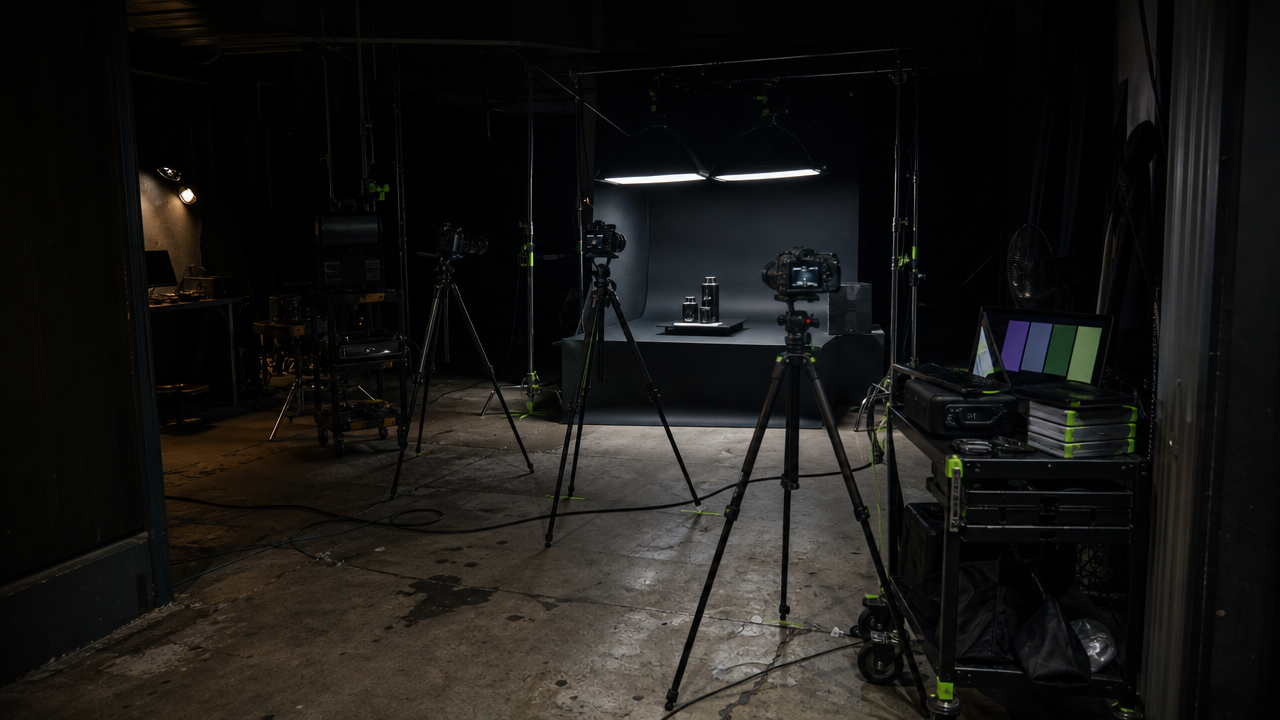
The shift in 2026 is clear: consistency is now treated as a system design problem, not merely a design taste problem. Industry leaders including Typeface, Adobe, and Sameness all converge on structured brand inputs — style repositories, metadata, and QA scoring — rather than relying on ad hoc prompting alone. Tools like Adobe Firefly's AI photo editor exemplify how enterprise-grade platforms are building these structured approaches directly into their workflows.
Made with AvocAIdo
Your product. Your style. Four possibilities.
Start with your product and a style reference. Explore four AI interpretations of the look you want.


Saved examples · 4 AI models




Free credits to start · No credit card
How Does AI Photo Editing Differ from AI Image Generation?
Understanding the AI editing vs. AI generation distinction is critical for brand teams deciding where to invest.
AI photo editing improves or adjusts an image you already have. It preserves the original subject — your actual product, your real model, your photographed scene — while adjusting lighting, color grading, background removal, or retouching. This is ideal for product photography, catalog standardization, and post-production workflows.
AI image generation creates the image itself from scratch based on text prompts and reference inputs. AI fashion photography, for example, means generating fashion images from scratch, which is fundamentally different from editing an existing photo.
When to use each approach
| Use Case | AI Editing | AI Generation |
|---|---|---|
| Product catalog standardization | ✅ Best fit | ❌ Overkill |
| Campaign lifestyle imagery | ⚠️ Limited | ✅ Best fit |
| Social media content at scale | ✅ For existing assets | ✅ For new concepts |
| Brand style exploration | ❌ Not applicable | ✅ Best fit |
| Retouching real photography | ✅ Best fit | ❌ Not applicable |
| Creating scenes without a photoshoot | ❌ Not applicable | ✅ Best fit |
Most brand teams in 2026 need both capabilities. The key is knowing which workflow to apply and ensuring both produce outputs that align with the same visual identity system.
What Are the Four Pillars of Brand Visual Consistency?
Maintaining visual identity across AI-generated and AI-edited assets requires controlling four core variables. These are the same variables that style analysis systems extract from reference photos: color palette, lighting characteristics, mood, and composition.
1. Color Palette
Your brand palette extends beyond logo colors. It includes background tones, skin tone rendering, product color accuracy, and environmental hues. AI tools should enforce a defined palette range — warm golden tones for a luxury brand, cool desaturated blues for a tech company.
2. Lighting Direction and Quality
Lighting is the most overlooked consistency factor. A brand that uses soft, diffused overhead lighting in one campaign and harsh directional side-lighting in another creates visual dissonance. Define whether your brand uses natural light, studio light, warm or cool color temperature, and whether shadows are soft or hard.
3. Mood and Atmosphere
Mood encompasses the emotional register of an image: energetic vs. calm, luxurious vs. accessible, moody vs. bright. This is often communicated through a combination of lighting, saturation, contrast, and depth of field. AI systems can detect and replicate mood when given proper reference inputs.
4. Composition and Framing
Consistent composition rules — such as always using rule-of-thirds placement, maintaining specific aspect ratios (e.g., 1:1 for Instagram, 16:9 for web banners), and keeping consistent subject-to-background ratios — create a recognizable visual rhythm across assets.
How to Build a Reference-Driven AI Editing Workflow
The most effective approach to brand-consistent AI imagery in 2026 is reference-driven rather than prompt-driven. This means feeding the AI system visual examples of your desired output rather than attempting to describe every attribute in text.
Step 1: Curate Your Reference Library
Collect 5–10 images that perfectly represent your brand's visual identity. These should demonstrate your ideal lighting, palette, mood, and composition. Include variety in subject matter but consistency in style — this teaches the AI what stays constant regardless of content.
Step 2: Extract and Document Style Attributes
Use your AI platform's style analysis to identify the specific attributes in your references. Look for detected traits like color temperature values, lighting direction, saturation levels, and texture characteristics. Document these as your machine-readable brand guidelines.
Step 3: Create Your Style Lock
Upload your references to a platform that supports style-lock functionality. The system should analyze your inputs and create a reusable style profile that can be applied to any future generation or edit. This eliminates the need to re-describe your brand look in every prompt.
Step 4: Generate in Parallel and Compare
Running the same brief across multiple AI models simultaneously gives you options while maintaining the style constraint. This approach — generating 4 interpretations of the same prompt within the same style lock — lets you pick the best execution without sacrificing consistency.
Step 5: Review Against References
Before any asset reaches production, compare it side-by-side with your original references. Check the four pillars: Does the lighting match? Is the palette within range? Does the mood align? Is the composition consistent with your standards?
Step 6: Iterate and Refine
Use editing tools to adjust specific attributes — color temperature, saturation, lighting direction — on outputs that are close but not quite right. This hybrid approach (generate, then edit) often produces the best results. Platforms offering AI image editing with prompt-based creative control make this iterative refinement process especially efficient for brand teams fine-tuning visuals at scale.
Why Do Fewer AI Models Produce More Consistent Brand Results?
A counterintuitive finding in brand AI workflows is that access to fewer, curated models often outperforms access to dozens of options. This challenges the assumption that more choice equals better outcomes.
The reasoning is straightforward: when teams have 30+ models available, each team member may gravitate toward different models, producing visually inconsistent outputs even when using the same prompt. Model selection becomes an uncontrolled variable in the brand system.
By contrast, a curated set of 4 top-performing models — selected based on benchmark performance and updated when better options emerge — removes model selection as a source of inconsistency. Every generation runs through the same controlled set, and the team's only decision is which of the 4 outputs best matches the brief.
This "curated library" approach also simplifies governance. Quality assurance teams need to understand the characteristics of only 4 models rather than 30, making it easier to predict and control output variation.
How to Scale Brand-Safe Image Production Without Prompt Chaos
Scaling from 50 to 500+ brand images per month introduces governance challenges that pure creativity cannot solve. Here is a systematic approach to maintaining quality at volume.
Centralize Your Visual Assets
Adobe recommends using Creative Cloud Libraries or equivalent systems to create live links so collaborators always see the latest version of brand assets. Following Adobe's approach to brand style guides, this principle applies to AI workflows: your reference images, style profiles, and brand rules should live in one accessible location. Marketing teams looking for accessible tools can also leverage Canva's AI photo editing features to help maintain brand consistency without advanced design skills.
Build Repeatable Templates
Rather than writing new prompts for every image, create template structures that encode your brand rules. For example, a product photography template might specify: "Clean white background, soft diffused lighting from upper left, product centered with 20% margin, warm neutral tones, minimal shadow."
Pre-built style templates — available on professional-tier AI platforms with 100+ pre-built style templates — accelerate this process. Having templates for most common brand scenarios means they are already encoded and ready to use.
Implement Approval Gates
Not every AI-generated image should go directly to production. Establish a review workflow:
- Auto-pass: Images that score above your consistency threshold proceed automatically.
- Human review: Images that are close but need verification go to a brand manager.
- Reject and regenerate: Images that miss the mark get flagged with specific feedback for the next attempt.
Conduct Quarterly Brand Audits
Even with strong systems, brand drift occurs gradually. Every quarter, pull a random sample of 50 published assets and compare them against your reference library. Look for creeping inconsistencies in color temperature, lighting quality, or compositional habits.
Document AI Brand Guidelines
Teams scaling AI images need explicit governance documentation. Your AI brand guidelines should include:
- Approved reference images (updated annually)
- Permitted and prohibited visual elements
- Model-specific notes (if certain models handle certain subjects better)
- Negative prompts / exclusion rules
- Aspect ratio requirements per channel
- Minimum quality thresholds for production use
What Does a Machine-Readable Visual Identity System Look Like?
The concept of making brand guidelines "AI-readable" is gaining traction in 2026. The Image DNA concept defines a structured, AI-readable format of a brand's visual context — essentially translating subjective design preferences into parameters that AI systems can consistently interpret.
A machine-readable visual identity system includes:
- Quantified color values: Not just "warm tones" but specific hex ranges, saturation bounds, and color temperature targets.
- Lighting parameters: Direction (degrees), quality (soft/hard), ratio (key-to-fill), and color temperature (Kelvin range).
- Composition rules: Subject placement zones, aspect ratios per channel, minimum/maximum negative space percentages.
- Mood descriptors with visual anchors: Each mood term linked to 3–5 reference images that demonstrate it.
- Exclusion lists: Elements, styles, or treatments that are explicitly off-brand.
This structured approach means that any team member — or any AI tool — can produce on-brand results without needing the original art director present for every decision. Organizations building centralized visual identity systems are finding this approach dramatically reduces inconsistency across distributed teams.
How to Choose the Right AI Photo Editing Platform for Brand Work
When evaluating AI editing and generation platforms for brand consistency, prioritize these capabilities:
Must-Have Features
- Reference-based style input: The platform should accept visual references, not just text prompts.
- Style persistence: Once a style is defined, it should be reusable across unlimited generations without re-uploading references.
- Batch consistency: Multiple images generated in the same session should maintain visual coherence.
- Editing controls: Post-generation adjustments for lighting, color, saturation, and composition.
- Commercial licensing: All outputs must be cleared for commercial use without additional fees.
- Aspect ratio flexibility: Support for all standard formats (1:1, 16:9, 9:16, 3:4, 3:2 at minimum).
Nice-to-Have Features
- Parallel multi-model generation (compare outputs from different AI engines)
- Pre-built style templates for common brand scenarios
- Team collaboration and shared style libraries
- Upscaling to 4K for print-ready outputs
- Credit rollover for production planning flexibility
Red Flags
- Platforms that only accept text prompts with no reference input
- No commercial license or unclear licensing terms
- No editing capabilities post-generation (generate-only tools)
- No style persistence between sessions
Common Mistakes That Break Brand Consistency in AI Workflows
Mistake 1: Over-Specifying Prompts Instead of Setting Stable Constraints
Writing a 200-word prompt for every image is unsustainable and introduces variation. Each prompt becomes slightly different, and those differences compound across hundreds of assets. Instead, set stable brand constraints (via references and style locks) and keep individual prompts focused on subject matter only.
Mistake 2: Letting Every Team Member Choose Their Own AI Model
Without standardization, a 5-person team using 5 different AI models will produce 5 visually distinct styles — even with identical prompts. Standardize your model selection and ensure everyone generates within the same controlled environment.
Mistake 3: Skipping the Reference Library
Many teams jump straight into generation without establishing what "on-brand" actually looks like. Invest the upfront time to curate 5–10 reference images. This single step eliminates more inconsistency than any amount of prompt refinement.
Mistake 4: No Negative Prompts or Exclusion Rules
Defining what you do not want is as important as defining what you do want. If your brand never uses harsh shadows, neon colors, or cluttered backgrounds, encode those exclusions into your system.
Mistake 5: Treating AI Outputs as Final Without Review
AI-generated images are drafts, not finished assets. Even the best style-locked output benefits from a quick human review against brand standards before publication.
AvocAIdo Tip
For brand teams seeking to maintain visual consistency across campaigns, AvocAIdo's Brand Style Intelligence lets you upload reference photos and lock your brand's visual style — then generate across 4 top AI models in parallel to pick the best result. The ArtDirector AI converts plain-language descriptions into professional prompts, removing the need for prompt engineering skills. With plans starting at €19/month and 100+ pre-built style templates on Professional and Agency tiers, common brand scenarios are already encoded. Start with 2,000 free credits — no credit card required — to test your brand's style lock workflow.
FAQ
How do I get consistent AI images across different campaigns?
Upload 5–10 reference images that define your brand's visual style, then use a style-lock feature to apply those parameters to all future generations. This reference-driven approach ensures lighting, palette, mood, and composition remain constant regardless of subject matter. Platforms like AvocAIdo analyze references to extract color palette, lighting characteristics, and mood automatically. Consistency comes from stable inputs, not from writing identical prompts every time.
What is the difference between AI photo editing and AI image generation?
AI photo editing adjusts or enhances an existing photograph — correcting lighting, removing backgrounds, or applying color grades — while preserving the original subject. AI image generation creates entirely new images from scratch based on text prompts and style references. Brands typically need both: editing for product catalog standardization and generation for campaign lifestyle imagery. The per-image cost of AI editing can be as low as $0.05.
How many reference images do I need for a brand style lock?
Most platforms recommend between 5 and 10 reference images for optimal style extraction. These should demonstrate your ideal visual identity across different subjects while maintaining consistent lighting, palette, and mood. Too few references (1–2) may not capture enough style information, while too many (15+) can introduce conflicting signals if the references are not tightly curated.
Can AI maintain brand consistency better than human editors?
AI excels at applying identical parameters across thousands of images without fatigue or subjective drift — delivering consistency across thousands of photos that human editors cannot match at scale. However, AI currently lacks the contextual judgment to handle edge cases, cultural nuances, or creative decisions that require brand strategy understanding. The optimal approach combines AI consistency at the production level with human oversight at the approval level.
How often should I update my brand's AI style references?
Conduct a quarterly audit of your AI-generated assets against your reference library. Update references annually or whenever your brand undergoes a visual refresh. If you notice gradual drift in outputs — slightly warmer tones, different shadow patterns — refresh your reference set and re-run style analysis. Some platforms automatically update their AI model lineup, which may subtly affect outputs even with the same style lock.
What file formats work best for AI style references?
JPG, PNG, and WebP are the most widely supported formats for reference uploads. Use high-resolution images (at least 1500px on the longest side) to give the AI sufficient detail for style extraction. Avoid heavily compressed JPGs or images with watermarks, as these artifacts may be interpreted as intentional style elements.
How do I prevent brand drift when multiple team members use AI tools?
Centralize your visual assets in a shared library with live links so everyone accesses the same references and style profiles. Standardize on a single platform with a curated model set rather than allowing each team member to choose their own tools. Implement approval gates before publication and document your AI brand guidelines — including permitted styles, exclusion rules, and aspect ratio requirements per channel.
Is AI photo editing cost-effective for small brand teams?
Yes. AI editing platforms typically start at €19–49/month for professional-grade features, compared to outsourced editing costs of $0.50–3.00 per image. A team producing 200 images monthly could reduce editing costs by 80–90% while improving consistency. The initial investment is in curating references and setting up style profiles — approximately 2–4 hours of upfront work that pays dividends across all future generations.
Ready to build your own brand-consistent AI workflow? Explore more AI editing guides and tutorials to deepen your visual strategy.
Put your brand style into practice.
Use a style reference to guide the look of your product images.
Free credits to start · No credit card